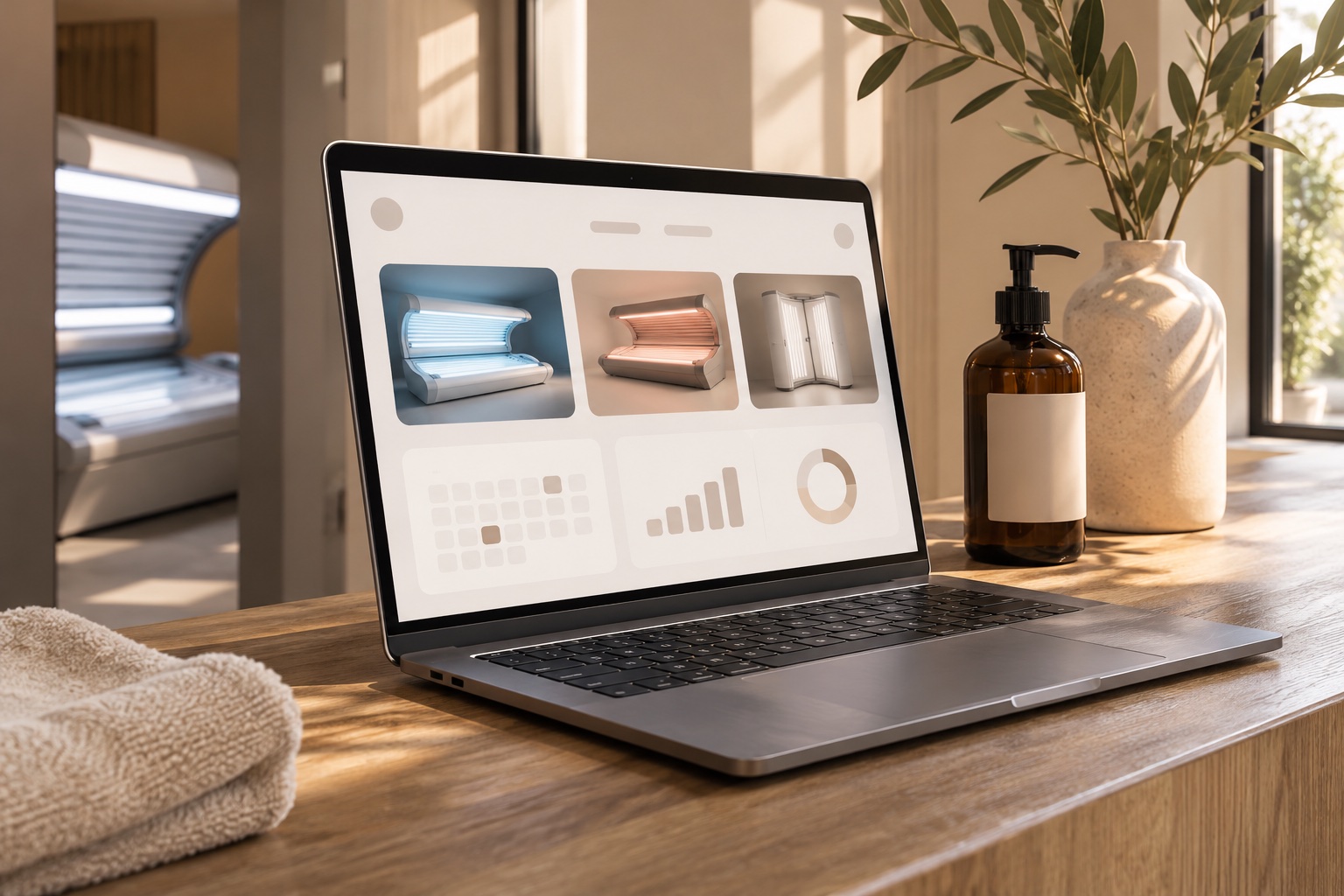
Sell products at the counter and let clients add their favourites while booking. One catalogue keeps your appointment extras and in-store sales connected.
Clients choose their appointment, then optionally add lotion, eyewear, or a minute package before confirming. Their items are reserved with their visit.
Optional product suggestions during booking.
The same products and stock as your front desk.
Items held for the appointment and collected at the salon.
Payment at the salon, with no separate public shop.
Appointment items are reserved for salon pickup and paid for at the salon. Live online card payments will follow Stripe setup.
ONE CATALOGUE. TWO SIMPLE FLOWS.
A clear path to pickup.
Let clients browse at their own pace. Keep your team in control of the order.
01
Browse, then sign in.
Clients browse appointment availability first, then sign in to book and optionally reserve products. Their Solunzo login works across salons.
02
Reserve for pickup.
Unpaid pickup orders hold available stock for 24 hours. Cancelled or expired reservations release it for the next customer.
03
Collect at the salon.
Staff record cash received, mark the order ready, and confirm collection. Purchased minutes become available after payment is recorded.
The details stay connected.
Edit descriptions, images, prices, stock, and product suggestions from your workspace. Track your salon’s orders alongside its client records and purchase history.
Your catalogue. Your choices.
Choose which products to suggest during booking or alongside minute packages. Suggestions are always optional, and clients’ other salon records stay private.
Available now: salon pickup with payment recorded at the salon. Online card payments are not yet enabled. Shipping is not included in this first release.
OPEN WHEN YOU’RE READY
Make room for your next sale.
Add your products and photos, confirm pickup details and tax settings, then enable online booking when you are ready. Products can also be sold directly at the counter.

 01 / AT THE COUNTER